
Features
Community Plus – Configuring and Expanding Your Connections to Your Church’s Members and Guests
Community has been upgraded to Community Plus.
Community is an online experience (designed for computers and mobile phones) located at your own Faith Teams location. From a Community portal, congregants can:
- See a church’s calendar’s public events
- Find and join available groups
- Give and manage giving to a church
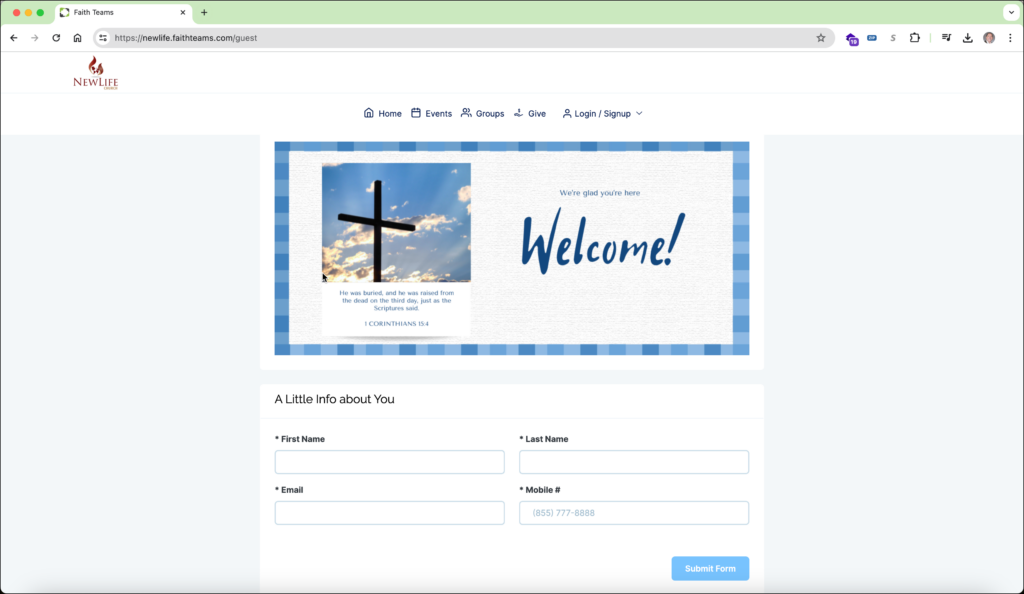
- And for guests, interact with a welcome form to introduce themselves to church leaders
The Community Plus update provides these and a good bit more:
- An online church directory with granular permissions around who can see the portal and controls for members allowing them to only show the information they want to be available
- A configurable and expandable page allowing for:
- The addition of videos (YouTube, Vimeo and Facebook)
- Text and HTML with an easy to use yet powerful online editor
- Images (JPG and PNG) with a URL link
- Custom graphics for all Community modules
Here are the features of Community Plus side by side:
All in One Location
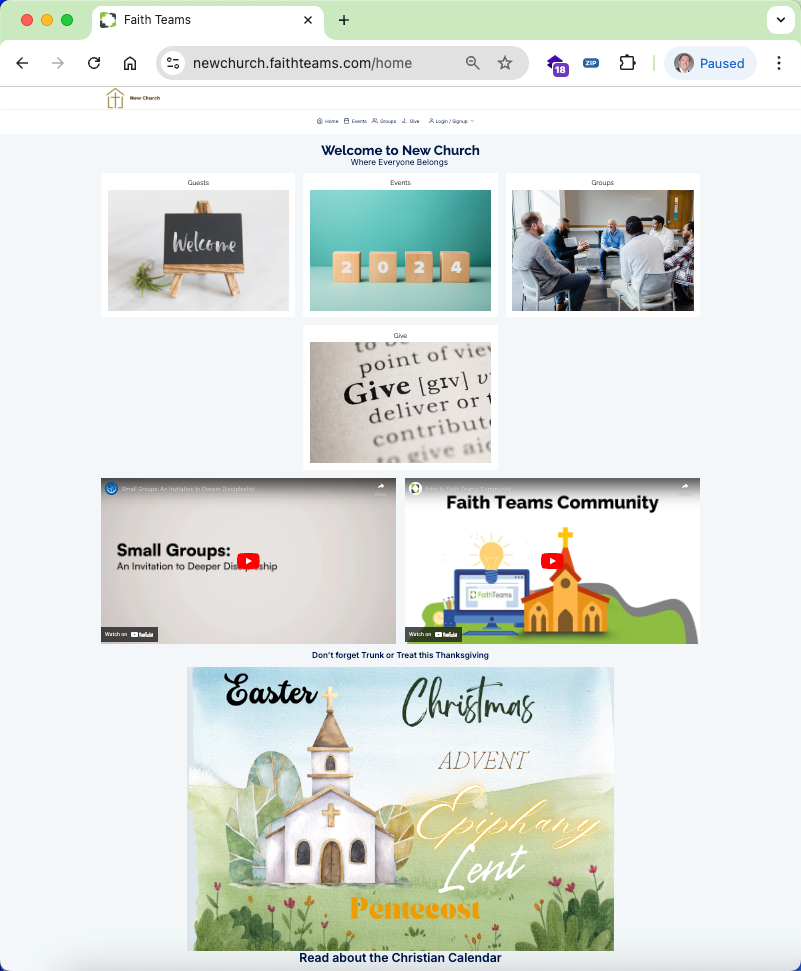
One location for your members and guests, Community was designed to be mobile responsive for an easy and clean interface on a phone. You can edit the graphics for each area and even toggle them off if not in use. And Community uses your Faith Teams subdomain name to make it easier for your congregants to easily find your Community page.
With Community Plus, your page can become so much more. You can add videos, linkable graphics, text and HTML making your making Community even more powerful.
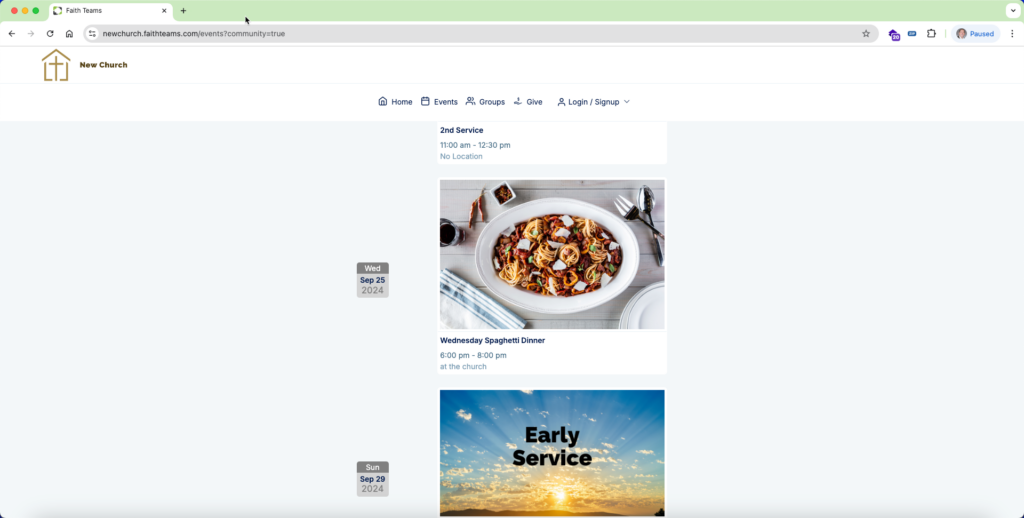
Your Public Facing Calendar
With Community Plus, you can add graphics to those calendar items that then show through to the Community Portal. And those graphics can be the stock photos provided by Faith Teams or your own.
Find and Join a Group
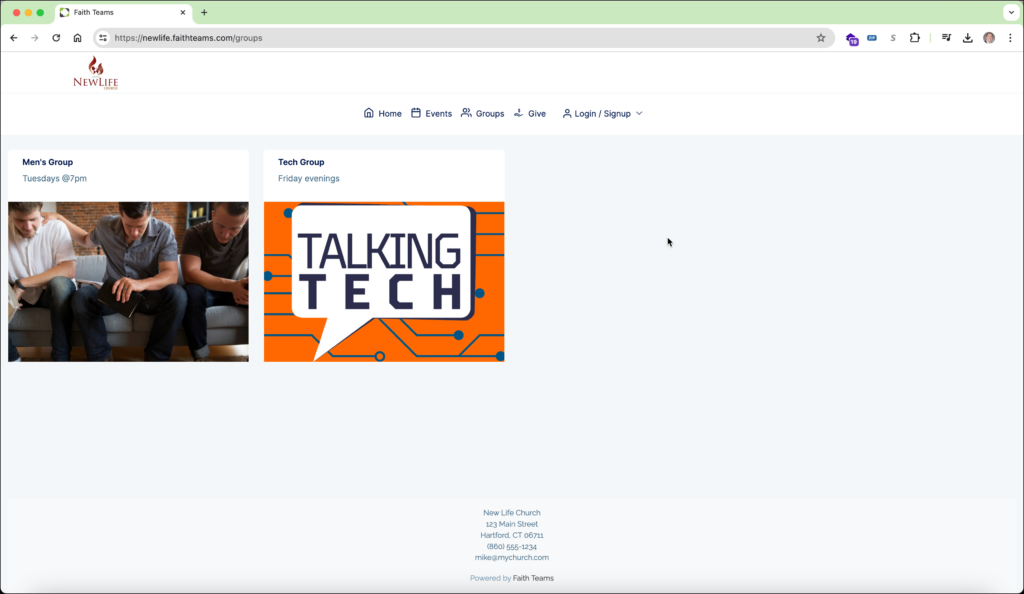
Community Plus present groups links allowing members and guests to see available groups and request to join them.
Giving
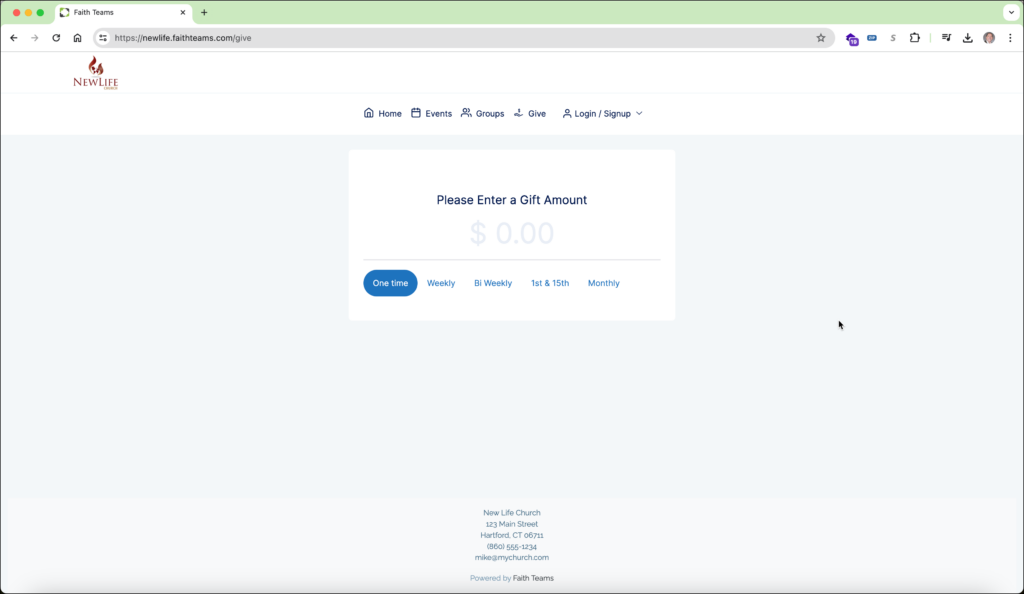
Community Plus makes giving easy presenting your giving form at the same location as your groups and events. Givers can also create a Community account to manage their giving and monitor their past giving.
Welcome Form
The “Welcome” section of Community (Free and Plus) allows you to easily present a form to guests that would either like to let you know they were there, or want to be there too.
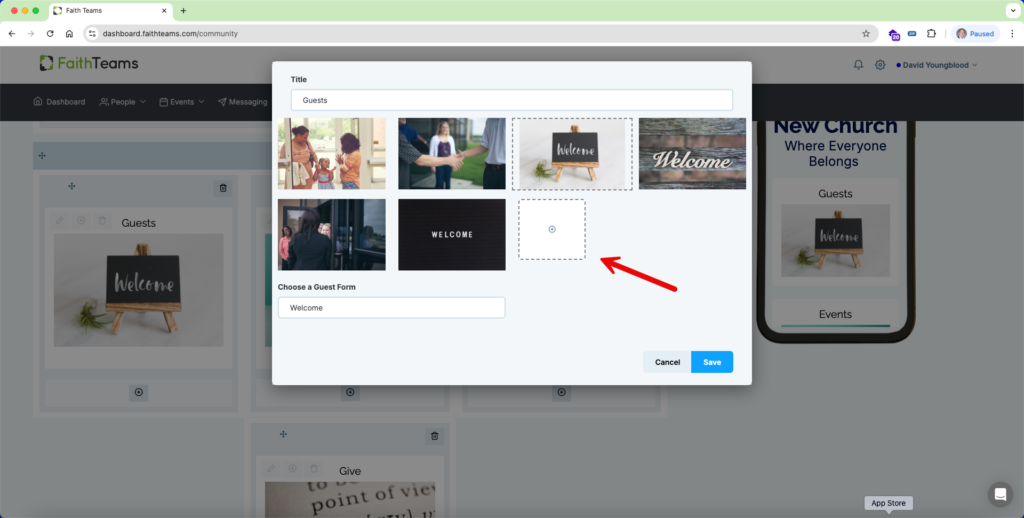
Configurable Card Graphics
With Community Plus, you can add your own graphics.
Church Directory
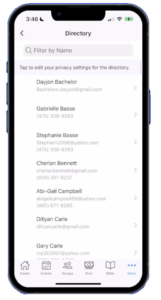
Community Plus provides a directory for your church. Your congregants can “opt-in” to the directory and even set which information elements they want seen by others.
Group Chat
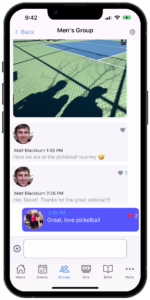
Community Plus now allows Community Mobile users to chat with their other group members. Your members can just pull up the app, go to the group they’ve already joined and immediately start chatting with the group.
Let's build the future of the Church-together.
We’re more than software. We’re your partner in ministry.